
What you would normally write by hand
A custom mob in Minecraft Bedrock is not one file. It is two packs that have to agree with each other, down to every name.
| File | Pack | What it does |
|---|---|---|
manifest.json | Both packs | Names the pack, gives it UUIDs and a version, and links the behavior pack to the resource pack. |
entities/moss_golem.json | Behavior pack | Health, size, movement and AI goals: what the mob does. |
entity/moss_golem.entity.json | Resource pack | Connects the model, texture, material, animations, render controller and spawn egg. |
models/entity/moss_golem.geo.json | Resource pack | The bones and cubes that make the shape. |
textures/entity/moss_golem.png | Resource pack | The painted skin. |
animations/moss_golem.animation.json | Resource pack | Keyframes for each motion. |
animation_controllers/moss_golem.animation_controllers.json | Resource pack | Which animation plays, and when. |
texts/en_US.lang | Resource pack | The name on the spawn egg. |
One missing comma, one identifier that does not match, or a geometry name with a typo, and the mob is invisible or never shows up at all. That is where most people get stuck. See Why is my custom Bedrock mob invisible? for what each symptom means.
What you do in Mobloom instead
- Build the body. Start from one block, add parts such as an arm, a fin or a wing, and drag the dots to resize them.
- Paint it. Decorate a part unfolds the mob flat so you can paint every side: colours, patterns, details and glow.
- Make it move. Turn any block into a moving part. Snap poses one at a time, or record a motion by moving the mob.
- Choose what it does. Pick rules in plain words, such as "when it sees a player, chase it" or "when it is hurt, run away".
- Test it. The practice pond acts out the rules before you export, so you see what it will do.
- Export. The Minecraft tab makes a .mcaddon file.
What Mobloom writes for you
When you export, Mobloom writes every file in the table above. Your blocks become the .geo.json geometry. Your paint becomes the texture. Your poses and motions become the animation file and the animation controllers. Your rules become the behavior pack entity. Both manifests get their UUIDs, a dependency between the packs, and a version number that goes up each time you change the mob, so Minecraft always knows which file is newest.
A .mcaddon is a zip file, so you can unzip any export and read the JSON Mobloom wrote. It is a good way to learn how Bedrock add-ons work. See What files does a custom Bedrock mob need?
Put it in Minecraft Bedrock
Open the .mcaddon on the same device that has Minecraft Bedrock. Minecraft imports both packs. Open your world settings, switch on the behavior pack (the resource pack comes with it), then find the spawn egg in the creative inventory. On iPad, follow Add a custom mob to Minecraft Bedrock on iPad.
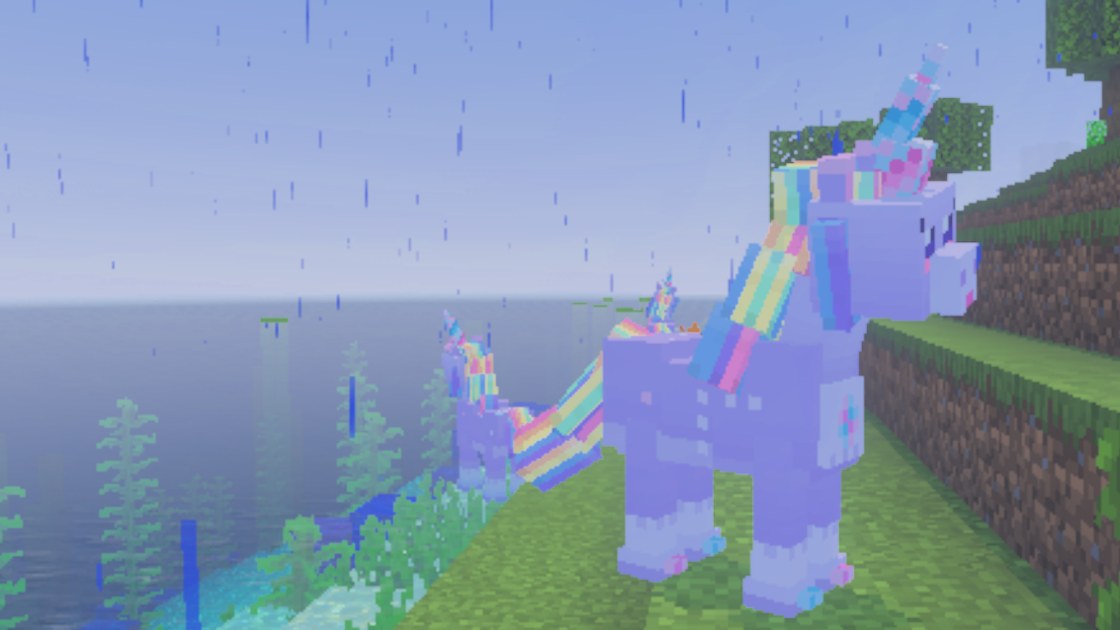
What Mobloom does not do
- It is for Minecraft Bedrock Edition only. It does not make Java Edition mods.
- Behaviour comes from Mobloom's rules. If you need a Bedrock component Mobloom does not offer, you can edit the exported files in a text editor, but those edits are not brought back into Mobloom.
- Exporting needs the internet and the account's 30 days free or a subscription. Creating and saving are free.
What it costs
Creating, painting, animating, testing and saving are free, with no card. A card is only needed to export to Minecraft Bedrock: 30 days free, then US$9.99/month unless you cancel. Minecraft Bedrock is sold separately. See pricing.
Questions
Do I need to know JSON or Molang?
No. You build, paint, animate and choose rules in the maker. Mobloom writes the JSON and the Molang conditions the export needs.
Can I see the JSON Mobloom writes?
Yes. A .mcaddon is a zip file. Unzip it and open the files in any text editor.
Does it work with Minecraft Java Edition?
No. Mobloom exports .mcaddon files for Minecraft Bedrock Edition only.
Can I make a mob on an iPad?
Yes. Mobloom runs in the browser on iPad and on computers, and it has been tested on iPad.