
.mcaddon, .mcpack and .mcworld
- A .mcpack is one pack: a behavior pack or a resource pack, zipped and renamed.
- A .mcaddon is a bundle of packs in one file, usually a behavior pack and the resource pack that goes with it.
- A .mcworld is a whole world, which can carry its packs with it.
All three are zip files with a different ending. The ending tells the device to hand the file to Minecraft.
What is inside
For a custom mob, the .mcaddon holds two folders. The behavior pack says what the mob does. The resource pack holds its model, texture, animations and name. Each folder has its own manifest.json. What files does a custom Bedrock mob need? lists every file.
Install it, step by step
- Open Minecraft once first. If Minecraft Bedrock has never been opened on the device, nothing is set up to open the file yet.
- Open the file. Open the .mcaddon on the same device. Minecraft starts and shows "Import started...".
- Wait for the import. When it is done, Minecraft shows "Successfully imported" with the pack name.
- Edit or create a world. Open the world settings and find Behavior Packs.
- Activate the pack. Switch the behavior pack on. If it lists its resource pack as a dependency, that one is switched on with it.
- Play. Open the world, find the spawn egg in the creative inventory and place it.
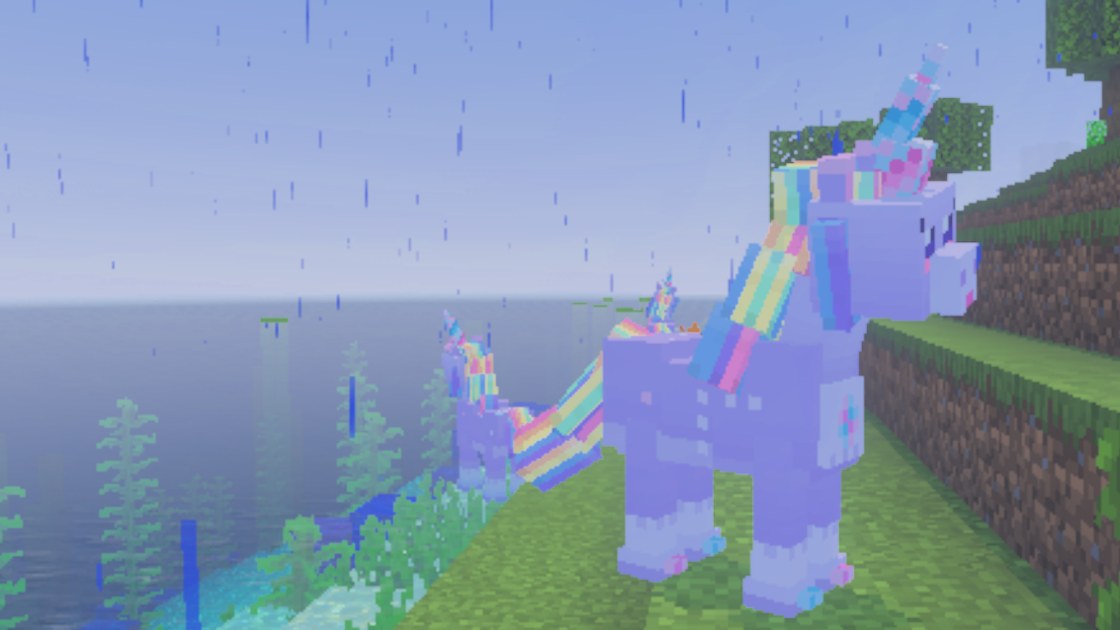
On iPad
The steps are the same, with one extra place to look: the Files app. Add a custom mob to Minecraft Bedrock on iPad covers it.
If it will not import
An import that fails, a pack that shows up twice or an old version that keeps loading all point at manifest.json. See Fix Bedrock manifest.json and UUID errors.
If the mob is invisible
If the packs import but you get a shadow, a black spawn egg or nothing at all, the files inside do not agree with each other. See Custom Bedrock mob invisible? Fixes.
Updating a mob you already imported
Open the newer .mcaddon the same way. Minecraft replaces a pack it already has only when the new copy has a higher version number in its manifest. If the version is the same or lower, the game keeps the old one. A Mobloom file name carries its version, such as _v2.00007, and Minecraft shows the same number in its pack list, so you can check which copy the world is using.
Making your own .mcaddon
By hand: put the behavior pack folder and the resource pack folder into one zip, then change the ending from .zip to .mcaddon. Each manifest.json must sit directly inside its pack folder.
With Mobloom: the Minecraft tab makes the .mcaddon for you from the mob you built. Mobloom exports contain no scripts, only JSON, images, sounds and a language file, and you can unzip one to read it. See Make a Bedrock mob without writing JSON.
Questions
Is a .mcaddon safe to open?
Only open files from sources you trust. A .mcaddon is a zip of JSON and images, and it can contain scripts if the pack uses them.
Does it work on Java?
No. A .mcaddon is for Minecraft Bedrock Edition only.
Why is there no spawn egg?
Either the pack is not switched on in that world, or the mob has no working spawn egg. See Custom Bedrock mob invisible? Fixes.
Sources: Microsoft Learn, Minecraft File Extensions; a real Mobloom export.